Add TopTechs as a preferred source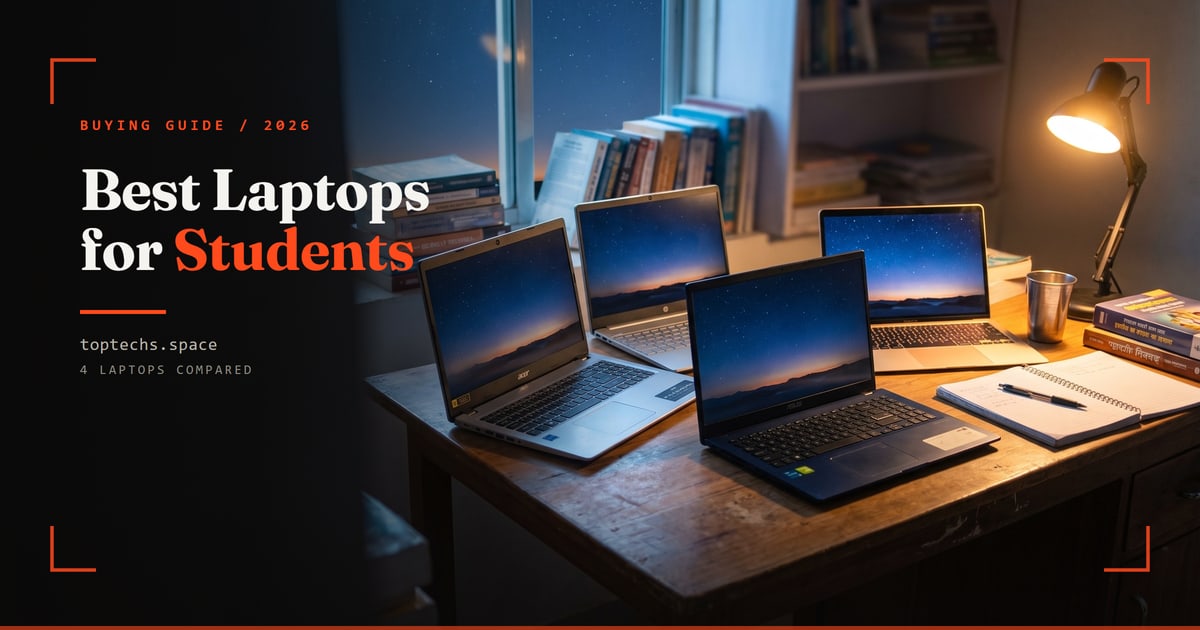
The best laptop for students in India in 2026 is the ASUS VivoBook 15 (Intel Core i5-13420H, 16GB RAM, 512GB SSD, 15.6-inch Full HD screen) at around ₹64,000.
It nails the balance most students need for four years of study: speed, a big Full HD screen, all-day battery, and reliable service.
But there is no one right answer for everyone. The best student laptop for you depends on your budget and your course.
Quick answer
- Best overallASUS VivoBook 15, Core i5-13420H, 16GB + 512GB, around ₹64,000
- Best valueAcer Aspire 3, Ryzen 5 7430U, 16GB + 512GB, around ₹60,000
- Best for coding and engineeringHP Pavilion, Core Ultra 5 125U, 16GB + 512GB, around ₹76,000, or ASUS Vivobook S, 16GB + 1TB, around ₹1,06,000
- Best battery lifeLenovo IdeaPad Slim 3, Ryzen 5 40, 16GB + 512GB, around ₹60,000
- Best premiumMacBook Air (M5), 16GB + 1TB, around ₹1,72,000
- The three specs that matter16GB RAM, an SSD, and a modern i5 or Ryzen 5
A straight word about 2026 prices. Laptop prices in India have climbed hard.
A 16GB / 512GB Ryzen 5 or Core i5 machine that sold for ₹40,000 a couple of years ago now costs ₹58,000 to ₹66,000 on both Amazon and Flipkart.
If your budget is genuinely ₹30,000, you are shopping for 8GB RAM and a smaller SSD, not the specs. We would rather tell you that than quote prices that no longer exist.
Best student laptops in India 2026: quick comparison
Short on time? Here is the summary.
Prices checked August 2026. They move a lot during festival sales, so tap any laptop to see its live price.
| Laptop | Best for | Processor | RAM + storage | RAM upgrade | Screen | Approx. price |
|---|---|---|---|---|---|---|
| Acer Aspire 3 / Aspire 15 | Best value pick | Ryzen 5 7430U | 16GB + 512GB SSD | Yes, to 32GB | 15.6" FHD IPS | ~₹60,000 |
| ASUS VivoBook 15 | Best overall | Core i5-13420H | 16GB + 512GB SSD | No (listed max 16GB) | 15.6" FHD, 60Hz | ~₹64,000 |
| HP Laptop 15 (Ryzen 5) | Best value all-rounder | Ryzen 5 7520U | 16GB + 512GB SSD | No (listed max 16GB) | 15.6" FHD, anti-glare | ~₹58,000 |
| Lenovo IdeaPad Slim 3 | Best battery life | Ryzen 5 40 | 16GB + 512GB SSD | No, soldered | 15.6" FHD, anti-glare | ~₹60,000 |
| Motorola Moto Book 60 | Best display (OLED) | Core 5 210H | 16GB DDR5 + 512GB SSD | Not published | 14" 2.8K 120Hz OLED | ~₹62,000 |
| HP Pavilion 16 | Best for coding & engineering | Core Ultra 5 125U | 16GB + 512GB SSD | No (listed max 16GB) | 16" 1920 x 1200 IPS | ~₹76,000 |
| ASUS Vivobook S 15 | Coding on the go | Core i5-13500H | 16GB + 1TB SSD | No (listed max 16GB) | 15.6" 2.8K OLED, 120Hz | ~₹1,06,000 |
| MacBook Air (M-series) | Best premium / battery + longevity | Apple M5 | 16GB + 1TB SSD | No (listed max 16GB) | 13.6" Liquid Retina, 2560 x 1664 | ~₹1,72,000 |
How to choose a student laptop
Get these five things right and almost any brand will serve you well. They matter far more than looks or marketing.
- RAM, aim for 16GB. It is the comfortable sweet spot in 2026: many browser tabs, video lectures and Office all open together without lag. 8GB is the bare minimum for light use on a tight budget. Never buy 4GB today.
- Storage, insist on an SSD, ideally 512GB. An SSD boots and loads apps several times faster than an old hard drive, and survives being carried around. 1TB is a nice upgrade if you store lots of media.
- Processor, Intel Core i5 (13th or 14th Gen) or AMD Ryzen 5 (7000-series). Best price-to-performance, and comfortable for four years. A Core i3 or Ryzen 3 is fine only for browsing, writing and online classes on a strict budget. Always pick the newest generation you can afford, because newer chips are faster and far more battery-efficient.
- Display, 14" or 15.6" Full HD IPS. Full HD is essential for reading documents and code comfortably, and IPS gives better viewing angles. 14" is lighter to carry. 15.6" is easier on the eyes for long sessions.
- Battery and weight, 7+ hours, under about 1.8kg. You will carry this between classes all day. Genuine 7 to 9 hour battery life and a light body matter more than raw power for most students.
Finally, buy from a brand with a strong Indian service network. ASUS, HP, Lenovo, Acer and Dell all qualify, so warranty repairs are painless.
Best laptop for students under ₹30,000
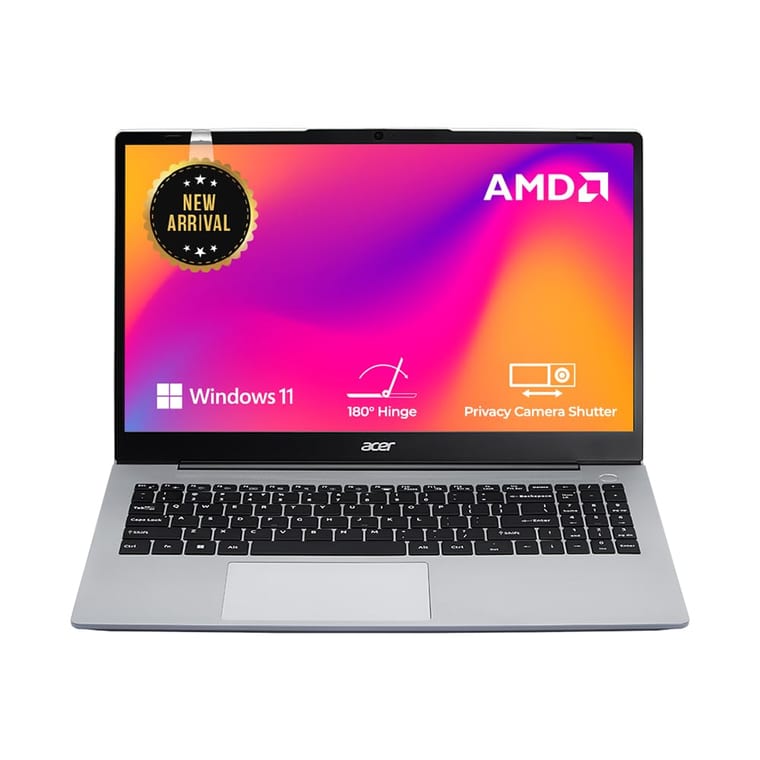
No laptop with the specs we recommend sells for ₹30,000 in 2026. The budget pick we would buy is the Acer Aspire 3: a Ryzen 5 7430U, 16GB of RAM (upgradable to 32GB), a 512GB SSD and a 15.6" Full HD IPS screen, at around ₹60,000.
It delivers a capable processor, a fast SSD and a Full HD screen at a price that is hard to beat for the specification. Ideal for browsing, online classes, Office work, note-taking and streaming.
Being straight with you about ₹30,000: in 2026 that budget no longer buys a 16GB / 512GB machine. Our guide to the best laptop under ₹30,000 shows what it does buy.
At a true ₹30,000 you are looking at a Ryzen 3 or Core i3 with 8GB RAM. Fine for browsing, classes and Office, but it will feel slow by your third year. If you can stretch, the jump to 16GB is the best money you will spend.
Also strong here: the ASUS Vivobook Go 15 (Ryzen 5 7520U, 16GB + 512GB, 15.6" Full HD OLED), light and modern but out of stock on Amazon.in in October, and the Dell Inspiron 15 (Ryzen 5 7520U, 8GB + 512GB, 15.6" Full HD 120Hz, around ₹49,880) if you want a brand famous for reliability.
If your budget is closer to ₹20,000 to ₹25,000, look for a Ryzen 3 or Core i3 model with at least 8GB RAM and an SSD. Skip anything with only 4GB RAM or a slow hard drive.
- Pros: excellent value, SSD plus Full HD, light enough for daily commutes.
- Cons: it costs about twice a ₹30,000 budget. Basic plastic build and an average webcam.
Best all-round student laptop: ASUS VivoBook 15
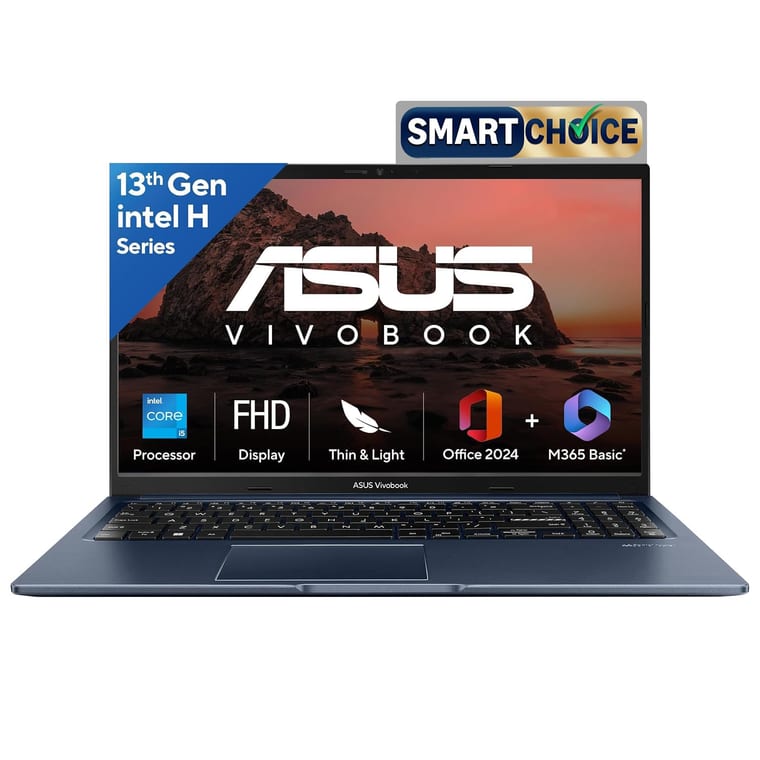
The one we would buy is the ASUS VivoBook 15 with a Core i5-13420H, 16GB RAM, a 512GB SSD and a 15.6" Full HD screen.
This is the laptop we would recommend to most Indian students.
At around ₹64,000 it gives you the 16GB-RAM sweet spot, a snappy Core i5, a bright Full HD display, a light 1.7kg body, and 7 to 9 hours of battery. Everything you need for four years of college with zero drama.
Excellent alternatives in the same bracket:
- HP Laptop 15 (Ryzen 5 7520U, 16GB), a dependable, well-built all-rounder with HP's wide service network behind it. It has a 512GB SSD and a 15.6-inch Full HD screen, at around ₹58,000.
- Lenovo IdeaPad Slim 3 (Ryzen 5 40, 16GB, 512GB SSD, 15.6-inch Full HD, around ₹60,000). The pick if battery life is your priority. It comfortably lasts a full day of classes, and the Amazon listing gives 9 hours. Its 16GB of RAM is soldered and cannot be upgraded.
- Pros: 16GB RAM, Core i5 speed, great screen, portable, strong service network.
- Cons: plastic build at this price, and not built for serious gaming.
Best laptop for coding, programming and engineering students
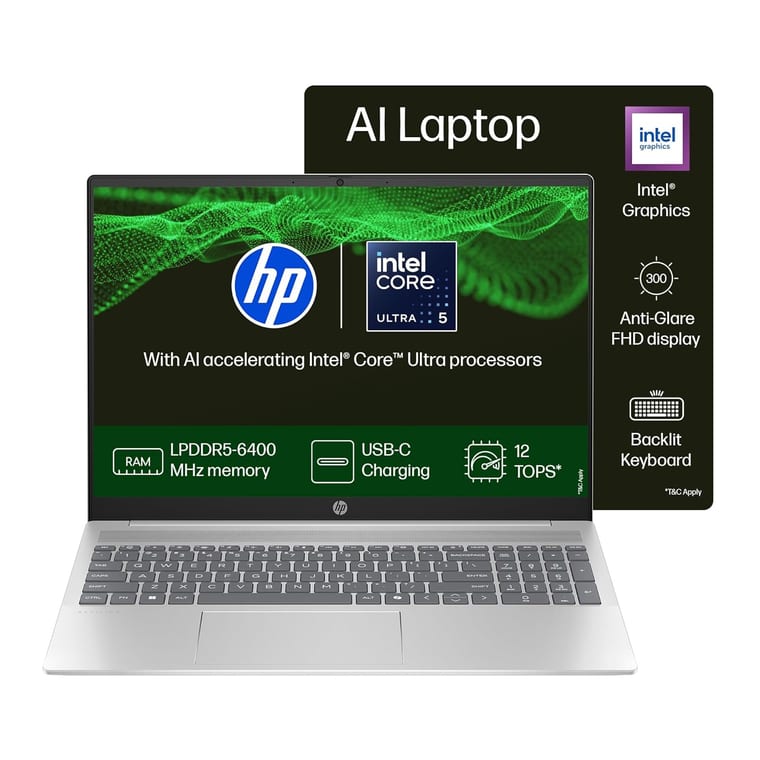
Buy the HP Pavilion (Core Ultra 5 125U) at around ₹76,000, or the ASUS Vivobook S series. The HP has 16GB of RAM, a 512GB SSD and a 16-inch, 1920 x 1200 IPS screen.
Engineering and computer-science students run heavier software: IDEs, compilers, virtual machines, CAD and simulations. 8GB RAM is no longer enough, and 16GB is the real minimum here.
A modern Core i5, Ryzen 5 or Core Ultra with a fast SSD keeps builds and multitasking smooth. A 15.6 to 16-inch Full HD screen also makes reading code and viewing CAD output far more comfortable.
The ASUS Vivobook S, around ₹1,06,000 for the 2.8K OLED model, is a superb thin-and-light option for developers who code on the go, with a big screen and long battery. The linked model has a Core i5-13500H, 16GB of RAM, a 1TB SSD and a 15.6-inch 2.8K OLED screen at 120Hz.
Want more power for the money? The Acer Aspire (Ryzen 5, 16GB/512GB) at around ₹60,000 has upgradeable RAM, so you can add more later.
This is also where the best laptops for coding and programming live. Prioritise RAM and SSD speed over a flashy GPU, unless you also game or do heavy video editing. Our best laptop for coding guide matches picks to web, Android, ML and game development.
Best premium laptop for students: MacBook Air
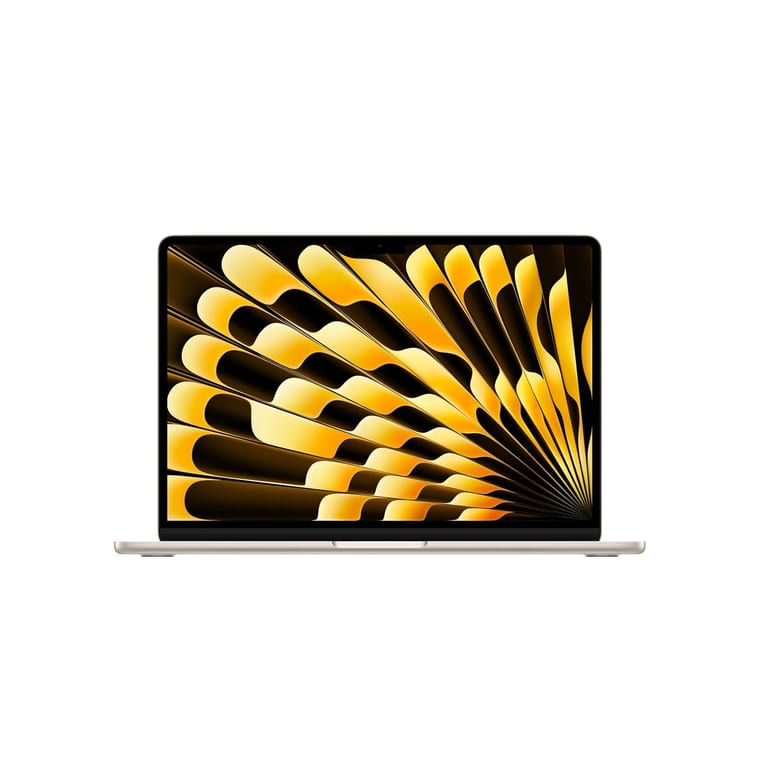
If your budget stretches to around ₹1,72,000, the MacBook Air with Apple's M5 chip is outstanding. This model has 16GB of memory, a 1TB SSD and a 13.6-inch Liquid Retina screen (2560 x 1664).
Silent, cool, 15+ hours of real battery, and it still feels quick after three years. A brilliant choice for coding, design and writing.
Check that any Windows-only software your course requires can run on macOS before you switch.
- Student tip: buy through the Apple Education Store, where students and teachers get education pricing on Macs and iPads. It is one of the few genuine, reliable laptop student discounts in India.
Best 2-in-1 and touchscreen laptops for students
A 2-in-1 convertible folds back into a tablet. Great for handwritten notes with a stylus, reading textbooks and watching lectures.
A touchscreen laptop adds tap-and-swipe without the fold.
Both usually cost a little more than a standard laptop with the same specs, so only pay the premium if you will genuinely use the touch or pen features.
What to look for: at least a Core i5 or Ryzen 5, 16GB RAM, a Full HD IPS touch panel, and stylus support if you plan to write notes.
Convertibles from HP (Pavilion x360), Lenovo (IdeaPad Flex) and ASUS are the usual student favourites. If you mostly type essays and code, a regular clamshell gives you more performance for the same money.
Best laptop by screen size
Screen size is really a portability-versus-comfort trade-off.
- 14-inch, the sweet spot for students who commute. Light, compact and easy to fit in a bag, while still big enough to work on comfortably.
- 15.6-inch, the most popular and usually best-value size. Roomy for spreadsheets, code and long study sessions, though a little heavier.
- 16-inch, extra screen space for engineering, design and multitasking. Best if the laptop mostly stays on your desk.
- Mini, 11 to 12-inch, ultra-portable and cheap, and fine for basic browsing and notes. The small screen and weaker specs make them a poor primary machine for most courses.
For most students, a 14-inch or 15.6-inch Full HD laptop hits the best balance of portability, comfort and price.
Should you buy a second-hand or refurbished laptop?
It can stretch a tight budget, but buy carefully.
"Refurbished" units sold by the brand or a reputable seller are inspected and come with a short warranty. That is much safer than a random used listing.
On a very tight budget you can find refurbished laptops under ₹20,000. Check the battery health, that it has an SSD, and that it runs a supported version of Windows.
For a student who needs one machine to last four years, a brand-new budget laptop with a full warranty and a fresh battery is usually the better buy. Only choose second-hand if the savings are large and the seller is trustworthy.
Must-have laptop accessories for students
A few inexpensive accessories make student life much easier.
- A padded backpack or sleeve, protects your investment on crowded commutes.
- A wireless mouse, far more comfortable than a trackpad for long assignments.
- A USB-C hub, adds HDMI, USB-A and card slots to thin laptops, for presentations and projects.
- A laptop stand and external keyboard, better posture during long study sessions.
- A pen drive or external SSD, cheap backup for your notes and projects. Never lose a submission again.
How to get student discounts and EMI in India
Real student discounts are rarer than the ads suggest. These are the ones that work.
- Apple Education Store, verified education pricing on MacBooks and iPads, via Apple's education store.
- Brand education stores, HP, Dell and Lenovo India periodically run student offers on their official sites.
- Festival sales. The Great Indian Festival and Big Billion Days usually discount more than any student coupon, so time your purchase around them if you can.
- No-cost EMI. Most laptops can be bought on no-cost EMI with a credit or debit card, spreading the cost over 3 to 12 months without extra interest.
Honest tip: in India, a festival-sale price plus no-cost EMI often saves you more than a student coupon alone.
What to check before you buy
- The exact processor model. Read the full model number, such as Core i5-13420H or Ryzen 5 7430U, not just "Core i5" or "Ryzen 5".
- RAM size, and whether it can be upgraded. 16GB is the sweet spot. "Upgradable" or a free slot means you can add more later. "Soldered" or "onboard" means you cannot.
- Storage. An SSD, ideally 512GB.
- Screen. 14-inch or 15.6-inch, Full HD (1920 x 1080), ideally IPS.
- Battery and weight. 7+ hours and under about 1.8kg.
Which laptop to buy
For most students in India, the ASUS VivoBook 15 is the best all-round laptop of 2026.
On a tighter budget, the Acer Aspire 3 at around ₹60,000 is superb value. For coding and engineering, step up to an HP Pavilion or ASUS Vivobook S with 16GB RAM. If you can invest more, the MacBook Air is the premium long-term choice.
Whatever you choose, prioritise 16GB RAM, an SSD and a modern i5 or Ryzen 5. Those three decide how good the next four years feel.
Once you have picked your laptop, see our guide to casting your laptop to a TV for movie nights, and consider one of the best budget mechanical keyboards to make long typing sessions easier.
For handwritten notes and PDFs, a tablet can sit beside the laptop: see our best tablet for students. To print assignments at home, see our best printer for home use.
Want more buying help? Browse our other laptop and PC guides, read our picks for the best budget phones, or get in touch with a question about a specific model.