Add TopTechs as a preferred source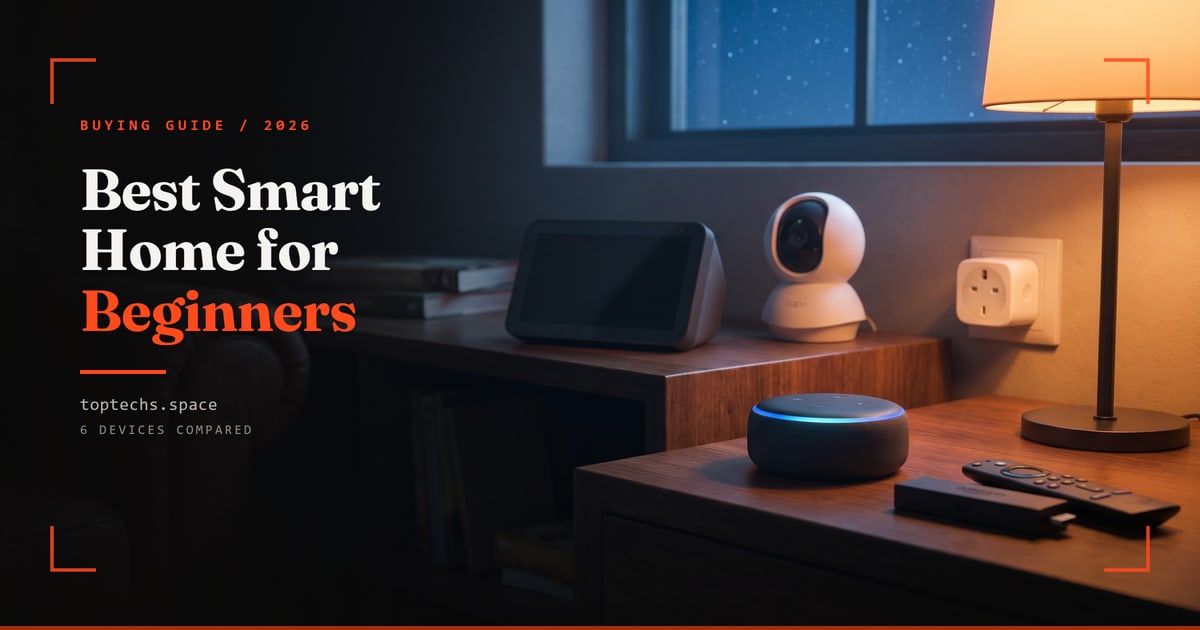
Building a smart home for the first time is easier and cheaper than most people think.
The best way to start is with one affordable voice assistant like the Amazon Echo Dot, around ₹5,499. It brings Alexa voice control and also acts as your voice hub, so you need no separate hub. Then add a few smart bulbs and plugs as you go.
You do not need to spend a fortune or rewire your house. Just pick a few devices that solve everyday annoyances.
This guide covers the best smart home devices for beginners in 2026, what each one does, and the order to add them in.
Quick answer, the order to buy in
- 1. Voice controlAmazon Echo Dot, Alexa speaker and voice hub, around ₹5,499
- 2. LightingA smart Wi-Fi bulb, such as the Philips WiZ, no hub needed, around ₹799
- 3. Make anything smartTP-Link Tapo P110 smart plug, tracks energy use, around ₹1,099
- 4. SecurityTapo C210 camera, 2K pan-and-tilt, around ₹2,499
- 5. Smart TVFire TV Stick 4K, Alexa voice remote, around ₹5,499
- 6. A screen to control it allEcho Show 5, 5.5-inch Alexa screen, around ₹8,999
Best smart home devices for beginners: quick comparison
These six cover the essentials: voice control, lighting, automation, security and entertainment.
Prices are approximate street prices and drop during sales.
| Device | What it does | Works with | Hub needed | Price (US) | Price (India) |
|---|---|---|---|---|---|
| Amazon Echo Dot (5th Gen) | Voice assistant / hub | Alexa | No, it acts as the hub | ~$50 | ~₹5,499 |
| Philips WiZ smart bulb | Smart lighting (no hub) | Alexa, Google, Matter | No | ~$13 | ~₹799 |
| TP-Link Tapo P110 Smart Plug | Make any device smart | Alexa, Google | No | ~$13 | ~₹1,099 |
| TP-Link Tapo C210 Camera | Home security | Alexa, Google | No | ~$30 | ~₹2,499 |
| Amazon Fire TV Stick 4K | Smart TV / streaming | Alexa | No | ~$50 | ~₹5,499 |
| Amazon Echo Show 5 | Smart display / control | Alexa | No, it acts as the hub | ~$90 | ~₹8,999 |
How to start a smart home
Before you buy, a few simple things make setup painless.
- Pick an ecosystem first. Amazon Alexa has the most devices and is the most affordable and the easiest. Google Home and Apple Home are the alternatives, and Apple Home is best for iPhone users. Alexa is the friendliest starting point for beginners.
- Look for "Matter". Newer devices carrying the Matter logo work across Alexa, Google and Apple, so you are not locked in. Prefer these where you can.
- Check your Wi-Fi. Most cheap smart devices need 2.4GHz Wi-Fi, not just 5GHz. Most home routers have it, so make sure it is on during setup.
- Skip the hub at first. All six devices we pick join your Wi-Fi directly, and an Echo acts as your voice hub.
- Set a budget. A starter set of an Echo Dot, one WiZ bulb and one Tapo plug costs around ₹7,400.
- Start small. Buy one speaker, get comfortable, then add bulbs and plugs. You do not need everything at once.
- Mind privacy. Cameras and mics can be muted. Review each app's permissions, and use a strong password plus two-factor login.
Start here: Amazon Echo Dot (5th Gen)
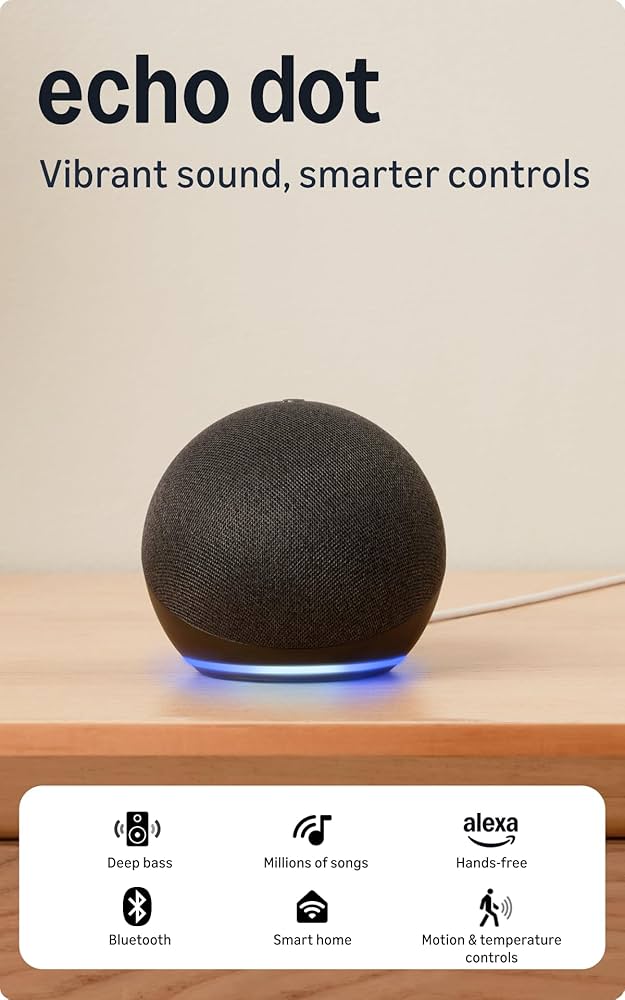
Amazon Echo Dot (5th Gen)
~₹5,499Amazon.in
Check price →The best first smart home device.
For around ₹5,499 it gives you Alexa voice control for everything else you will add (lights, plugs, timers, music, weather and reminders) plus surprisingly good sound and a built-in temperature sensor.
- Pros: cheap, easy setup, controls plenty of devices, a great starter hub.
- Cons: ties you into the Alexa ecosystem, and the always-listening mic can only be muted, not removed.
Get one for the room you spend most time in, then expand. Check the Echo Dot price →
First upgrade: smart Wi-Fi bulbs
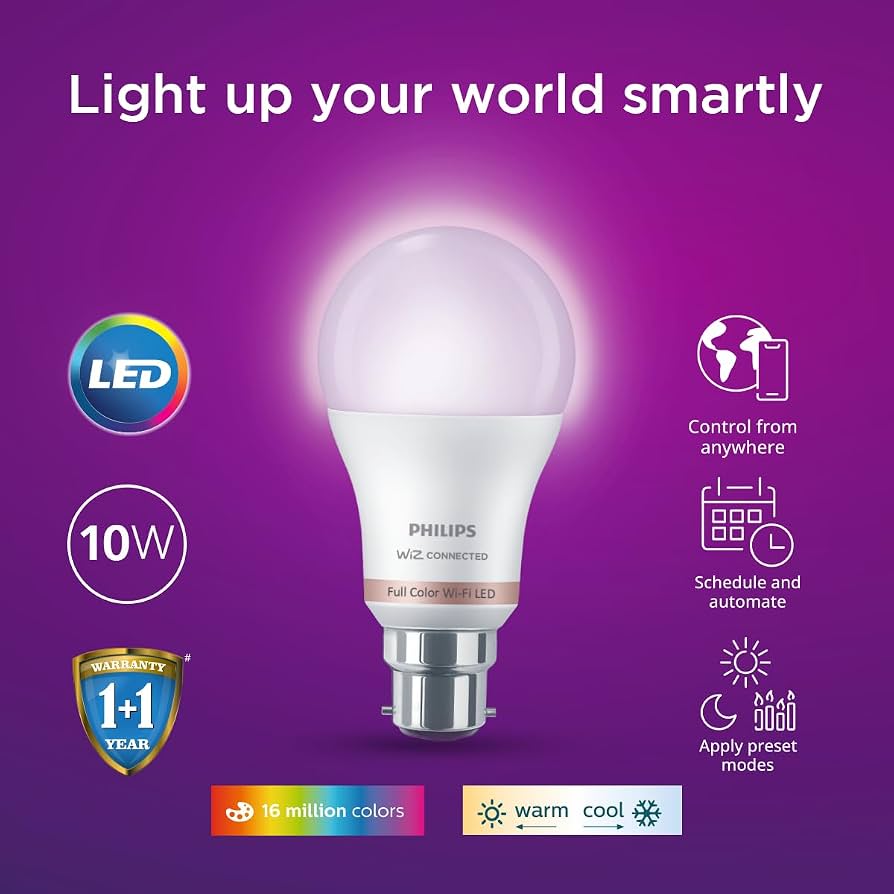
Smart lighting is the upgrade everyone loves first.
For beginners the best value is a Wi-Fi smart bulb like the Philips WiZ, around ₹799. You get 16 million colours, dimming, schedules and voice control with Alexa or Google, plus Matter support. It connects straight to your Wi-Fi with no hub needed.
Say "turn off the lights" from bed, or have them fade on in the morning.
Premium Philips Hue bulbs are more reliable at scale, but they cost far more and need a separate Hue Bridge. That is overkill when you are just starting.
Begin with one or two WiZ or TP-Link Tapo bulbs in the rooms you use most. Check the Philips WiZ bulb price →
Most affordable way in: TP-Link Tapo Smart Plug
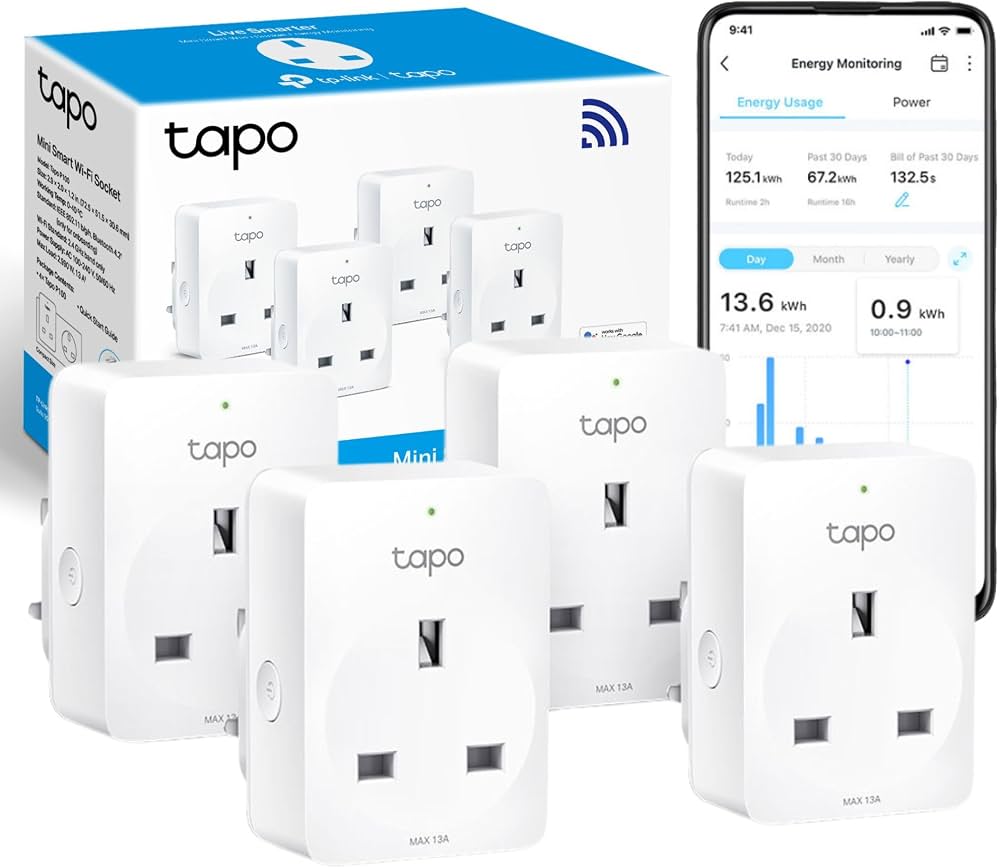
TP-Link Tapo Smart Plug
~₹1,099Amazon.in
Check price →A Tapo P110 Smart Plug, around ₹1,099, is the most affordable smart home gadget, and the most useful. It needs no hub.
Plug any ordinary lamp, fan or coffee maker into it and control that device with Alexa, Google or the Tapo app, or put it on a schedule. It is instantly smart, with no new appliance needed. It even tracks energy use, so you can see what each appliance costs you.
The perfect low-risk way to try a smart home. You will quickly want more than one. Check the Tapo Smart Plug price →
Peace of mind: TP-Link Tapo C210 camera
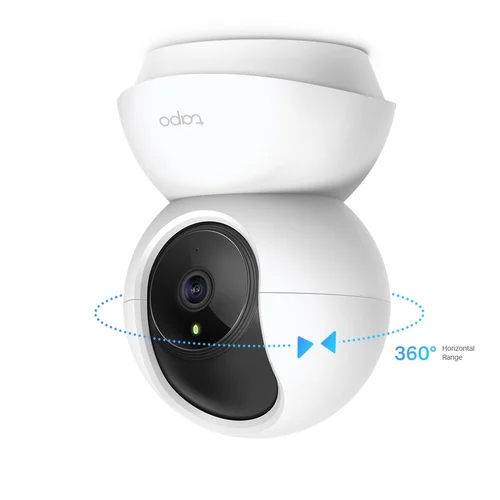
The best budget home security camera for beginners, at around ₹2,499. It joins your Wi-Fi directly with no hub, and works with Alexa and Google.
It offers sharp 2K/3MP video, pan-and-tilt to see a whole room, night vision, motion alerts to your phone, and two-way audio, with free local storage on a microSD card of up to 512GB.
Great for keeping an eye on the front door, a pet or a baby. Its Privacy Mode stops recording whenever you want. Just mind camera placement and privacy. Check the Tapo C210 price →
Smarten your TV: Amazon Fire TV Stick 4K
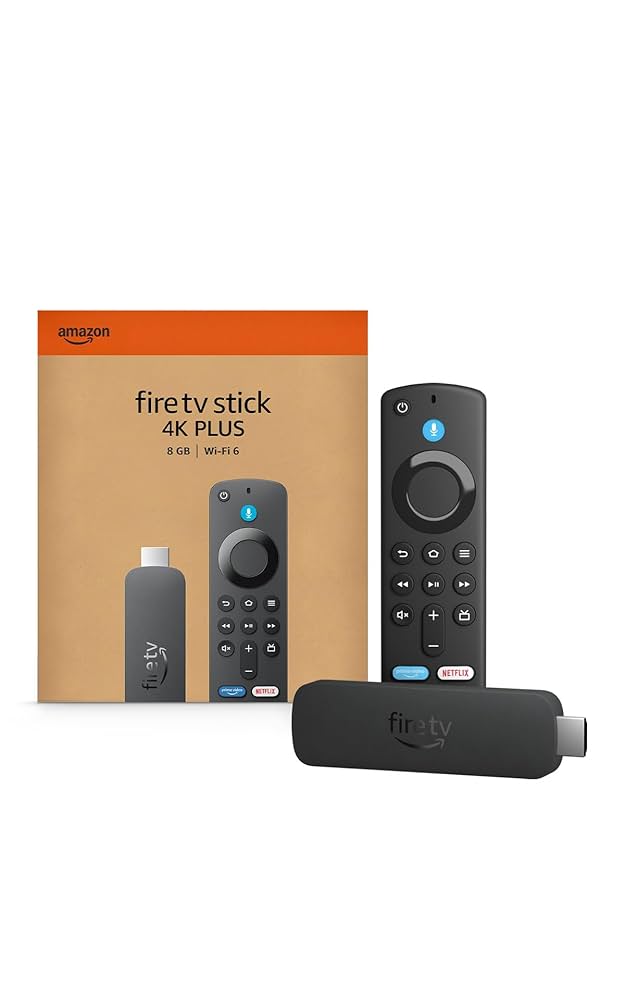
Around ₹5,499, and it turns any TV with an HDMI port into a smart TV. It works with Alexa and needs no hub.
Stream Netflix, Prime Video, YouTube and more in 4K, and use the Alexa voice remote to search, control playback, and even run your other smart home devices.
The easiest and most affordable entertainment upgrade, and it ties neatly into an Alexa setup. Check the Fire TV Stick 4K price →
Control it all: Amazon Echo Show 5
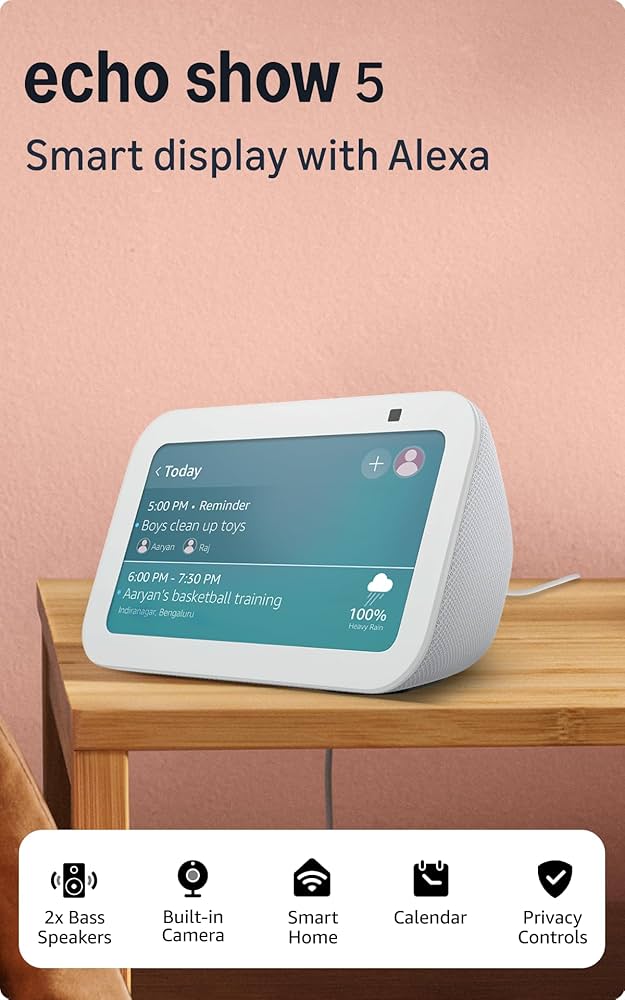
Once you have a few devices, this becomes a handy control centre, at around ₹8,999. Like the Echo Dot, it acts as your Alexa voice hub, so you need no separate hub.
Its 5.5-inch screen lets you see camera feeds, adjust lights, make video calls, follow recipes and glance at the weather. Everything Alexa does, now with a display.
A great bedside or kitchen device, and the natural next step after an Echo Dot. Check the Echo Show 5 price →
Do you need a smart home hub?
For most beginners, no.
Devices like Echo, Fire TV, Wi-Fi bulbs and plugs connect directly over your home Wi-Fi and are controlled by the Alexa or Google app. You need no separate hub, and an Echo Dot or Echo Show effectively acts as your voice hub.
You only need a dedicated hub, like the Philips Hue Bridge, for systems that use Zigbee or Thread for extra reliability and range once you scale up to many devices.
Start hub-free, and add one later only if you need it.
Where to start
To build your first smart home in 2026, start with an Amazon Echo Dot for voice control. Then add a smart Wi-Fi bulb and a Tapo smart plug to automate lights and appliances.
After that, a Tapo camera for security, a Fire TV Stick 4K to upgrade your TV, and an Echo Show 5 as a screen to tie it all together.
Buy a piece at a time, and grow at your own pace.
When you are ready for the next step, doorbells and heating are the highest-impact upgrades. Start with the best video doorbell cameras and the best smart thermostats we have tested, or browse our gadget guides and the best Bluetooth speakers.